A script goes in.A finished video comes out.
Scenifyr turns a script, a voiceover, both or neither into a narrated video — scenes matched to every line, subtitles built from the transcript, and an upload to YouTube from the same screen.
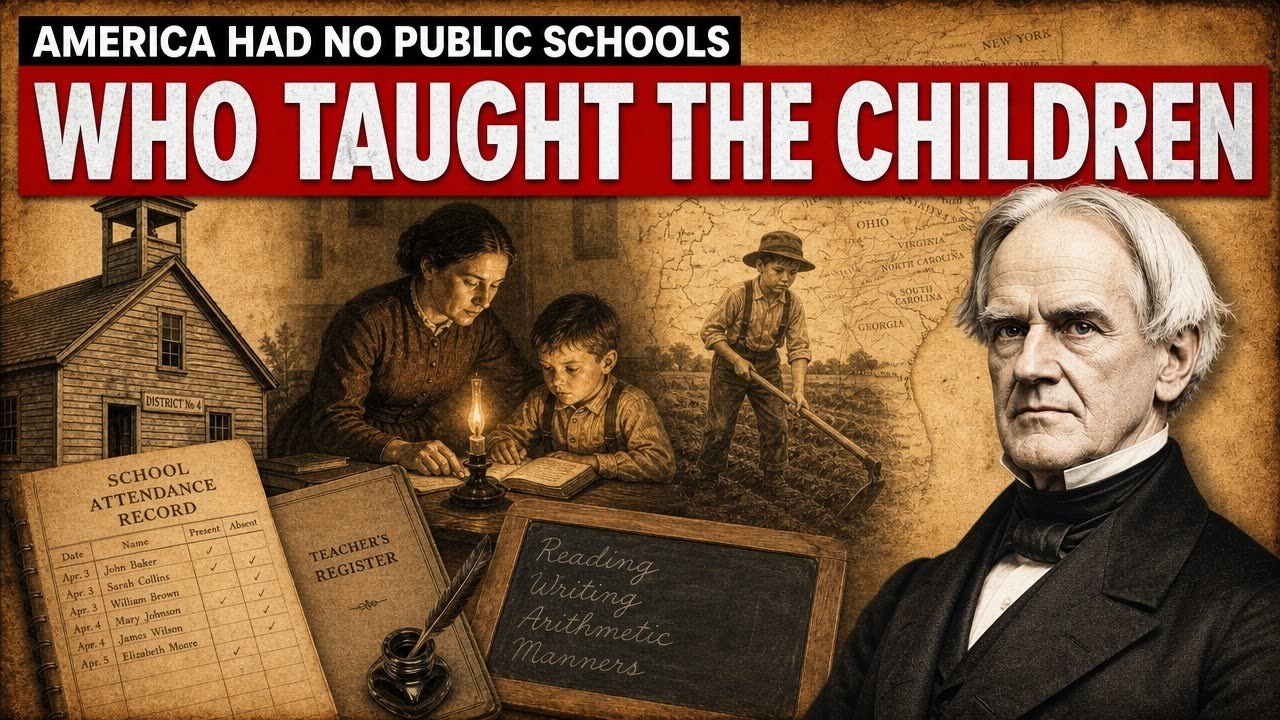
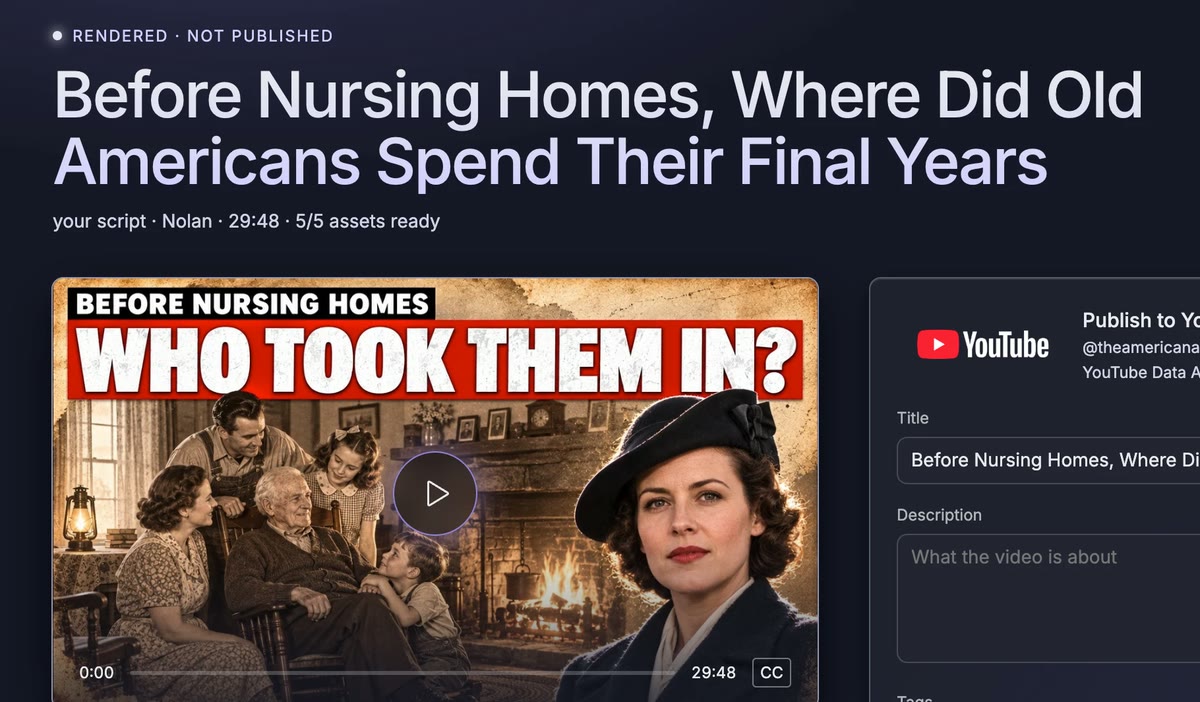
Sample renderFrom The American Archive — AI images in the Archival preset, voiced with TTS.
Script, scenes, render, YouTube. One pass, nothing to stitch together.
-
01
Script
Paste your own, or upload a voiceover and its transcript becomes the script. Have neither? Give a topic and it’s written in your project’s voice, from your own examples.
your scriptfrom audiofrom a topic -
02
Scenes
The narration is split line by line and each beat gets a scene — stock footage or generated images in your style preset. Review the picks before render, or skip review entirely.
stock footageAI images -
03
Render
Voiceover, scenes, music and subtitles are cut together into a 1080p MP4. Subtitles come from word-level timestamps, so they land on the beat.
1080p MP4SRT -
04
YouTube
Add a thumbnail, set the title, tags and visibility, and upload to your channel without leaving the app — captions attached, scheduled if you want.
thumbnailcaptionsschedule
Projects remember how you work, so every new video starts there.
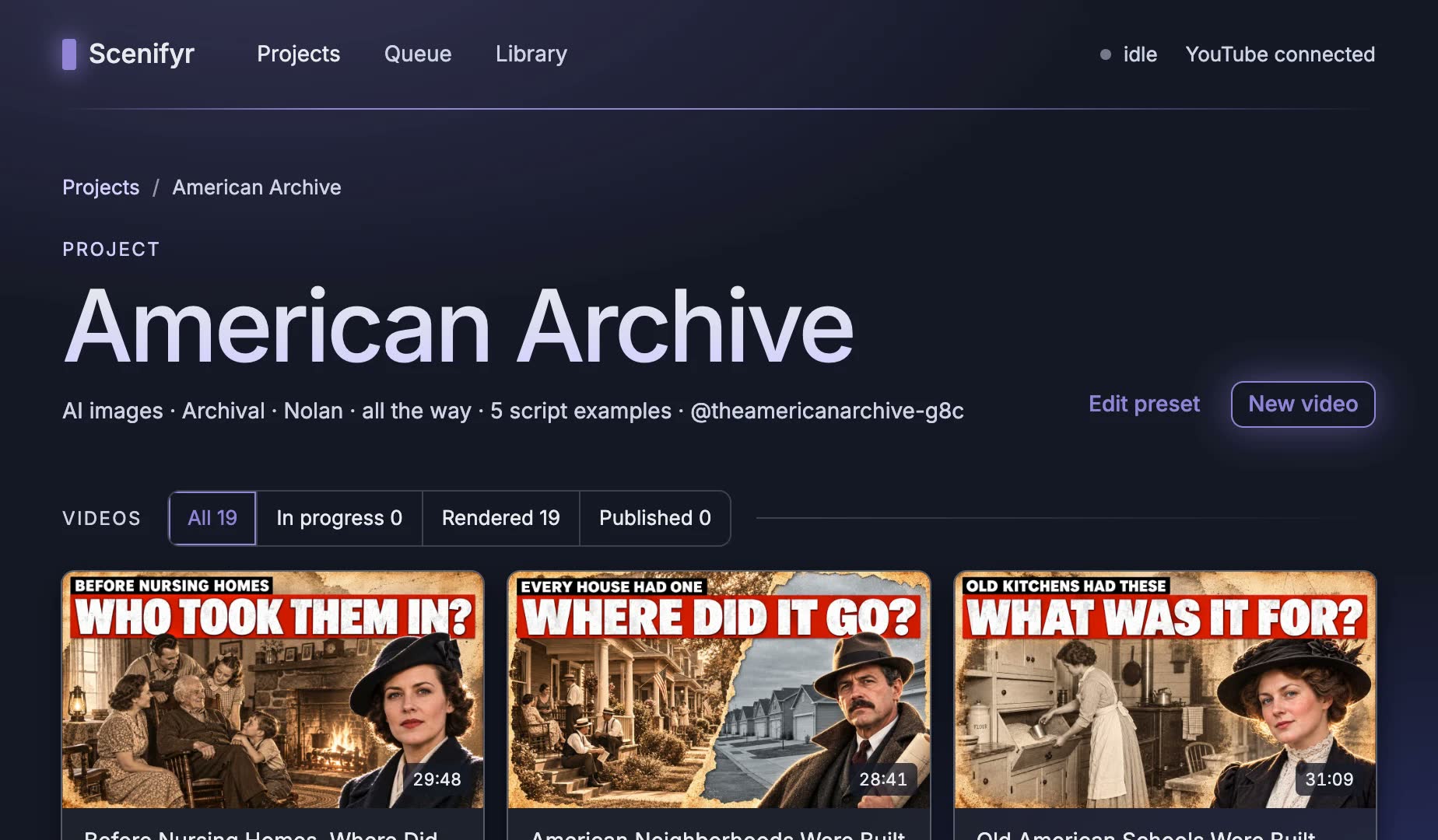
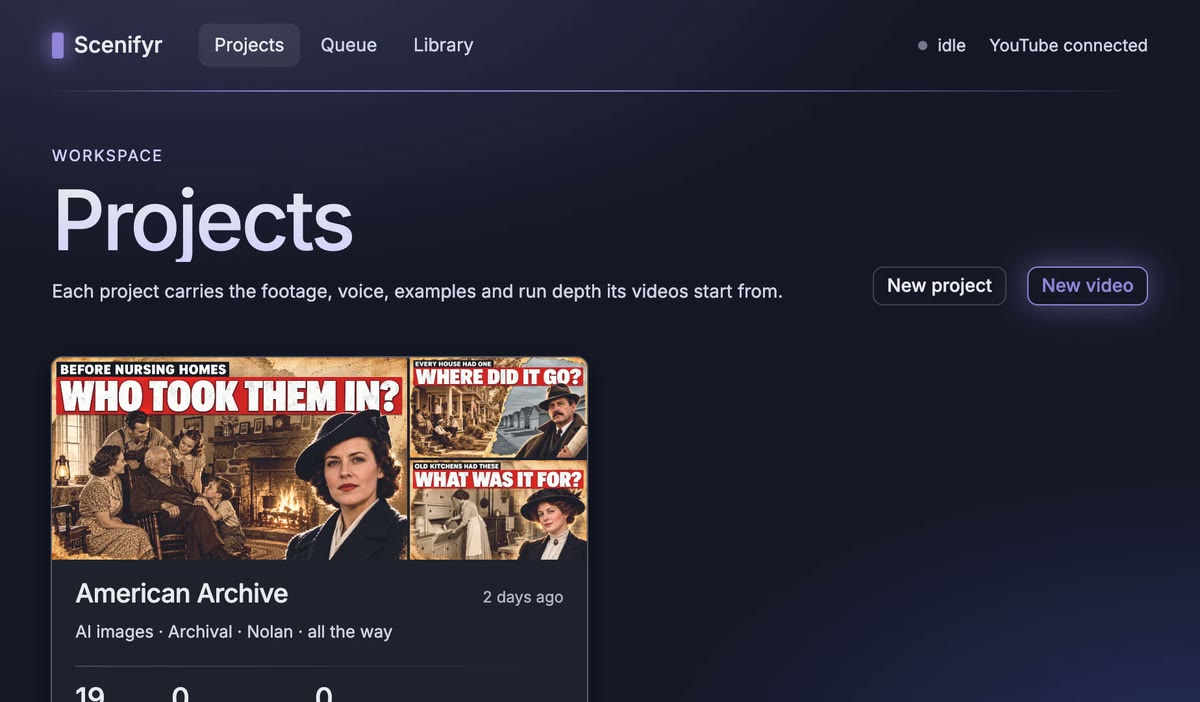
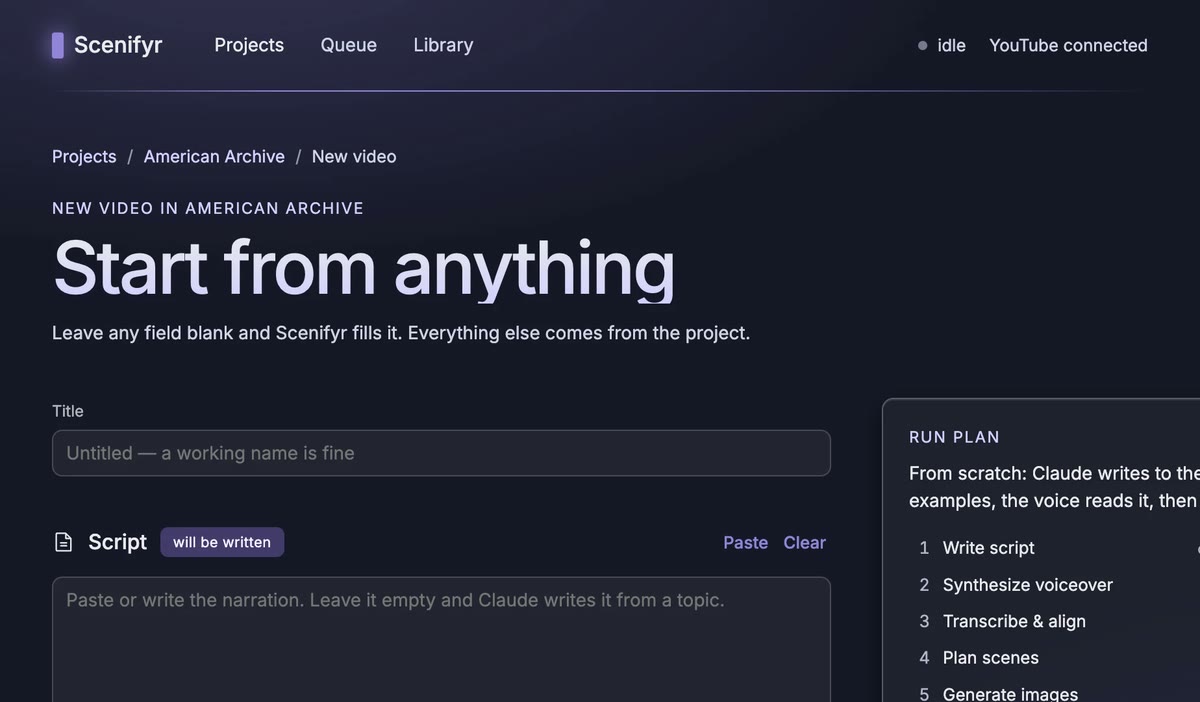
Not public yet.
Scenifyr is in private use and isn’t open for sign-ups. If you already have an account, the app is one click away.